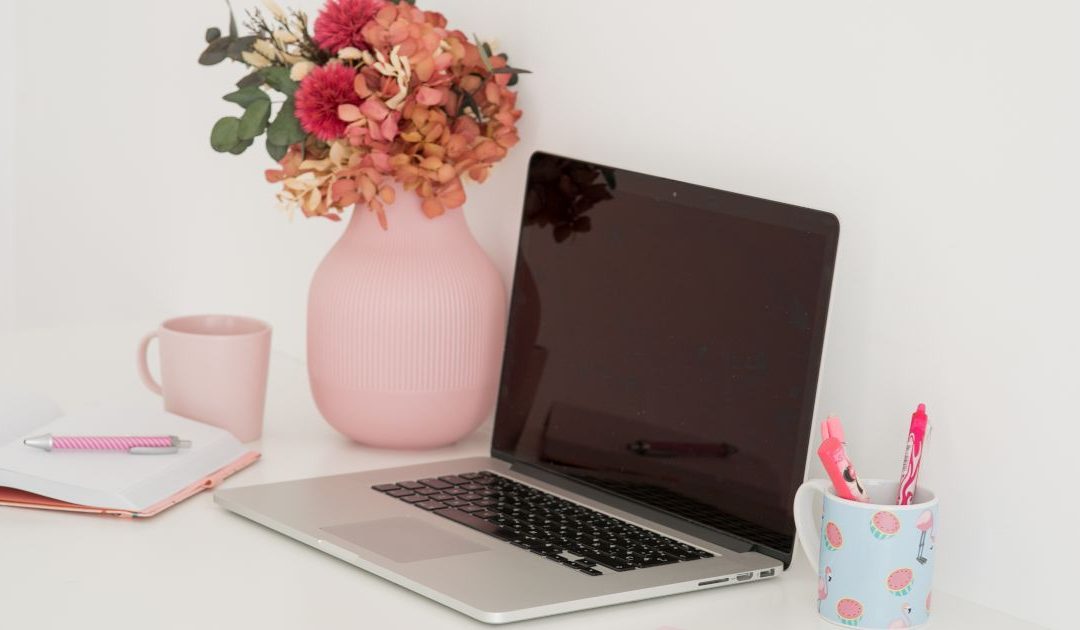
As a computer scientist and technology enthusiast, I’m often asked how to choose the best laptop for work – whether by friends or even my clients.
For this reason, I decided to put together some recommendations that can help entrepreneurs in particular when choosing their work device.
PS: Some links in this post are affiliate links. If you make a purchase through them, I will receive a small commission – thank you for your support!
Contenidos
Tips for choosing a laptop for your business
Desktop PC or laptop?
If you only want to use one device as an entrepreneur, a laptop is the better choice. It gives you the flexibility to work wherever you are – be it on holiday, in a café or in a coworking space. Especially if you’re juggling work and family, a laptop makes your everyday life easier.
I’ve listed some minimum requirements here and explain why they’re important below.
Please note: I won’t be discussing MacBooks here, as I have no personal experience with them. In my opinion, a PC with Windows offers more flexibility and a larger selection of free applications.
Minimum equipment for basic applications
(Internet, social networks, word processing)
- SSD 256 GB
- Intel i3 processor (better: Intel i5 or higher)
- 8 GB RAM
Recommended equipment for graphic applications
(design, video editing, etc.)
- SSD 512 GB – 1 TB
- Intel i7 processor
- 16 GB RAM
Recommended laptop models
Here are some models that are particularly suitable for surfing and document editing:
For slightly more demanding applications, such as light graphics editing, I recommend these models:
And for more intensive applications or users who want more flexibility, these models might be suitable:
I currently work with an Intel i7-6700HQ, 16 GB RAM and 1TB storage space. For videos, graphic design and multitasking, this is more than enough, but I have considered upgrading to an SSD for more speed.
How do I choose the right laptop?
Important features of a laptop
Brand
Quality has its price – this is especially true when it comes to technology. Rely on renowned brands such as Asus, HP, Dell or Acer for long-term satisfaction.
Hard drive: SSD is a must
An SSD ensures a fast system boot and short loading times. If you already have an HDD, upgrading to an SSD can give your laptop a significant performance boost without having to buy a new device.
RAM
For basic applications, 8 GB RAM is sufficient. For graphics or video editing, I recommend at least 16 GB to work smoothly.
Processor
The processor determines the working speed of your laptop. Intel i5 is sufficient for most applications, but an i7 is the better choice for more intensive tasks.
Additional tips
Remember that regular cleaning and maintenance can extend the life of your laptop. An external cooler is a sensible investment for the summer.
Do you have any questions? Leave me a comment – I’ll be happy to help you!

Hallo, Ich bin Taisa.
Mein Name ist Raquel García Arévalo, und Taisa ist mein Online-Spitzname seit 20 Jahren.
Ich bin Informatikerin, Bloggerin, Mutter von zwei Kindern und ein Technikfreak.
Ich arbeite jetzt als Freiberuflerin-Webdesigner und helfe anderen Müttern mit meinem technischen Wissen, ihr eigenes Unternehmen zu gründen und ihre Online-Präsenz zu verbessern.